Drive Real RC Cars From Anywhere
Connect the TorqCade Dongle, start the Host App, share an access code and let friends drive your real RC car remotely.
Join the first TorqCade testers
Track the growing TorqCade community as users create accounts, download apps and build test dongles.
Driving RC Cars With Friends Remotely Is Hard
Limited remote access
Traditional RC cars require you to be physically near the radio and vehicle.
Complicated setup
Remote RC systems are often difficult to configure and expensive to build.
Latency issues
Bad video and slow control response can ruin the driving experience.
No universal solution
There is no simple plug-and-play system for hobbyists and RC clubs.
How It Works
Connect the Dongle
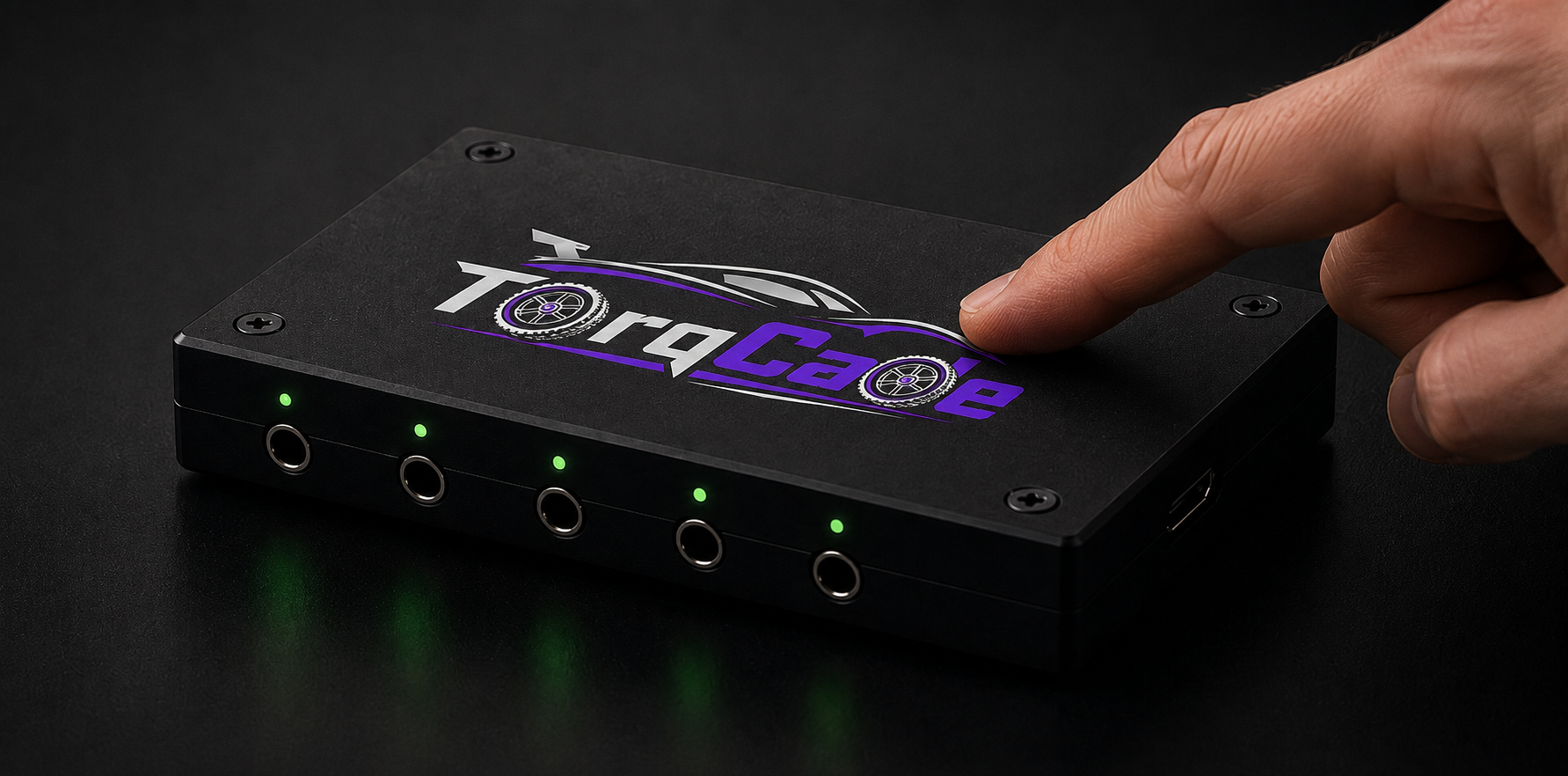
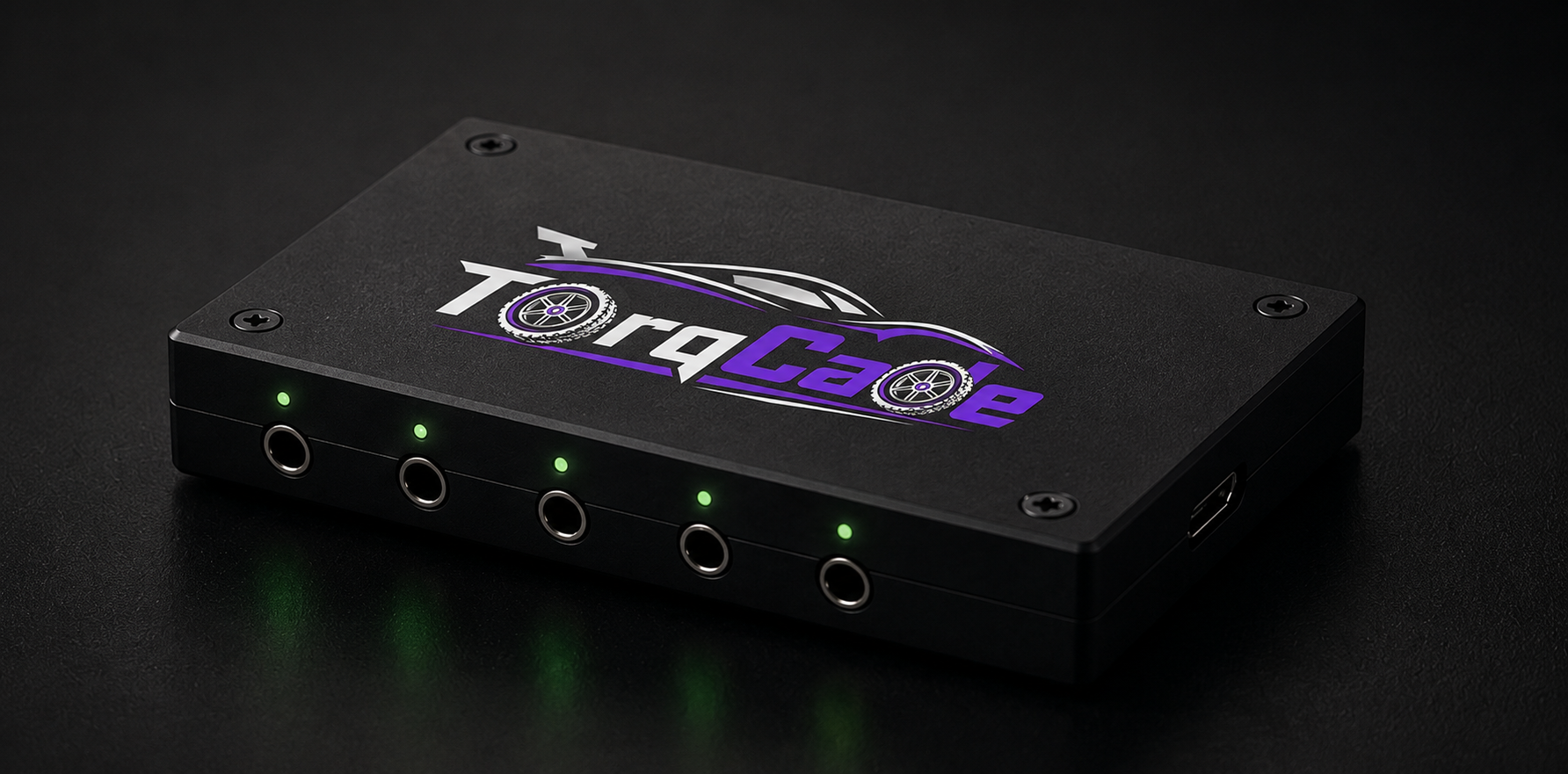
Plug the TorqCade Dongle into your computer.
Connect RC Radio
Connect your RC transmitter using the 3.5 mm trainer port.
Start Host App
Open the Host App and start a driving session.
Share Access Code
Send a private access code to your driver.
Drive the Real Car
The driver connects through the Drive App and controls the real RC car.
Choose How You Drive
TorqCade lets you share real RC cars locally, privately over the internet, or later through a public marketplace.
Local Drive
Local Drive is made for home, workshop and local network testing. Connect the TorqCade Dongle to your computer, start the Host App, generate a short access code and let someone connect through the Drive App on the same local network.
Web Drive
Web Drive lets you invite friends from anywhere in the world. Connect your own LiveKit Cloud account, start a Web Drive session in the Host App and share a private access code with remote drivers.
Marketplace
Marketplace will let approved hosts use TorqCade technology to share real RC cars publicly and monetize paid driving sessions. Host real tracks, offer remote rides and build a new RC experience for drivers around the world.
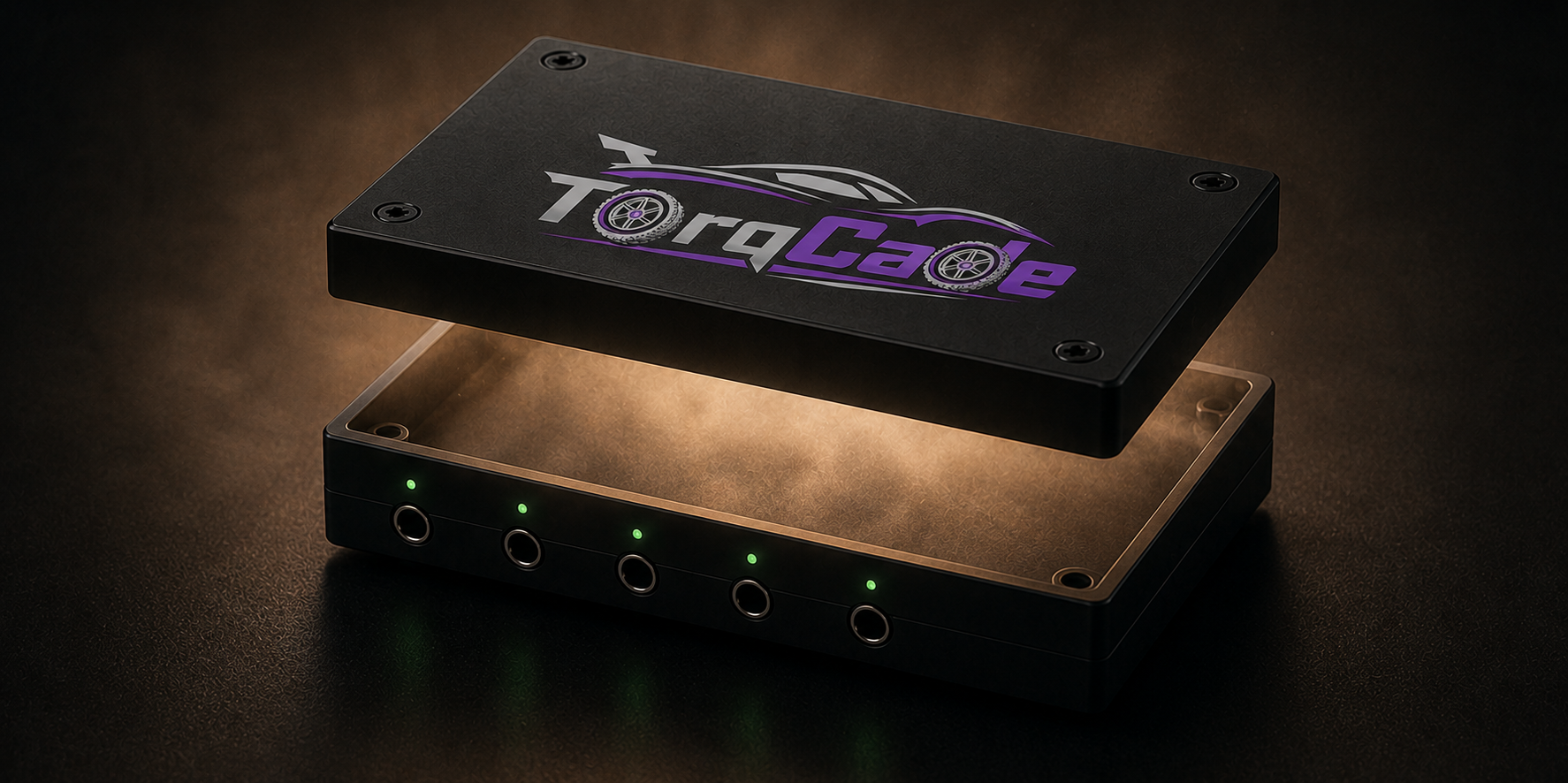
TorqCade Dongle
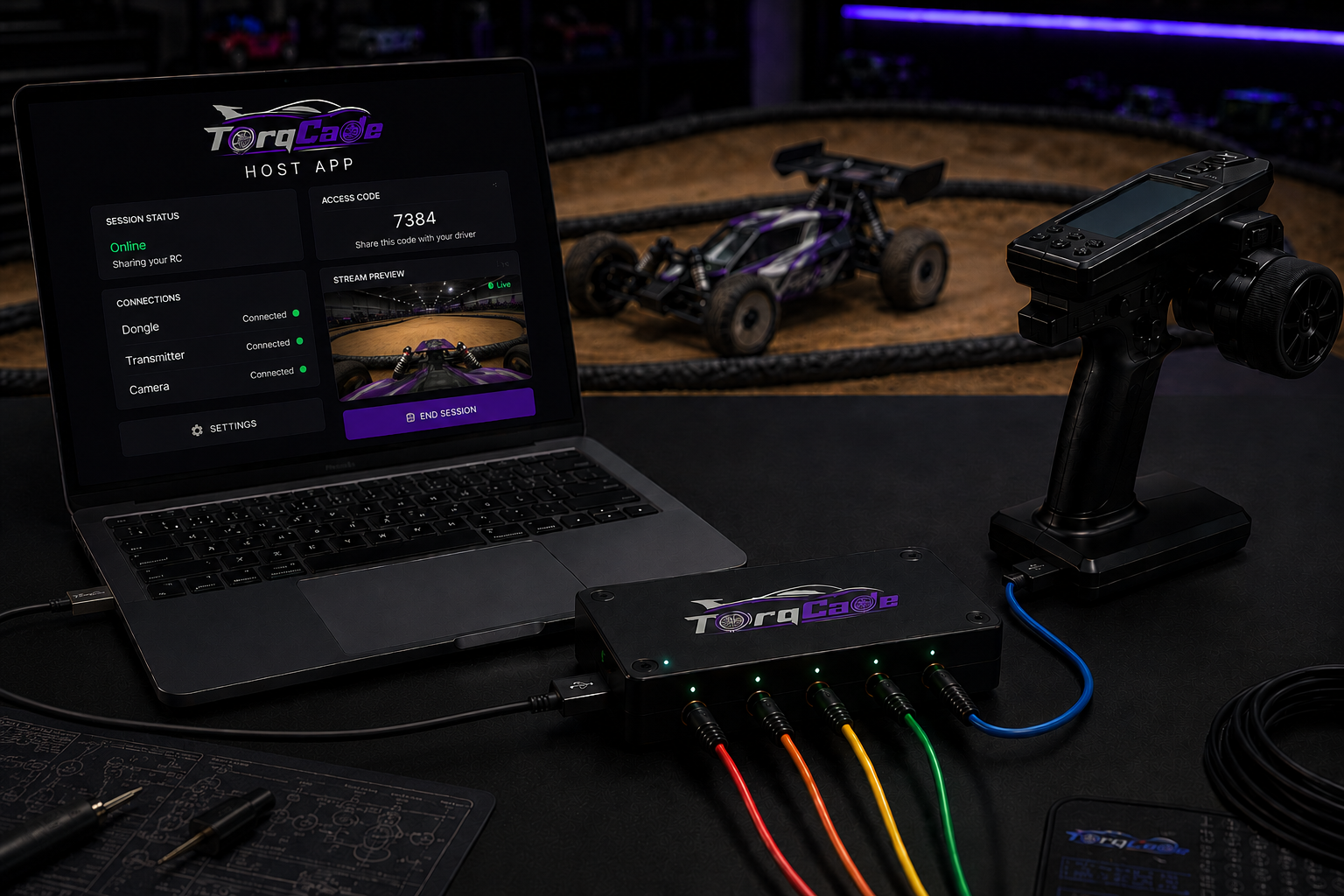
Host App
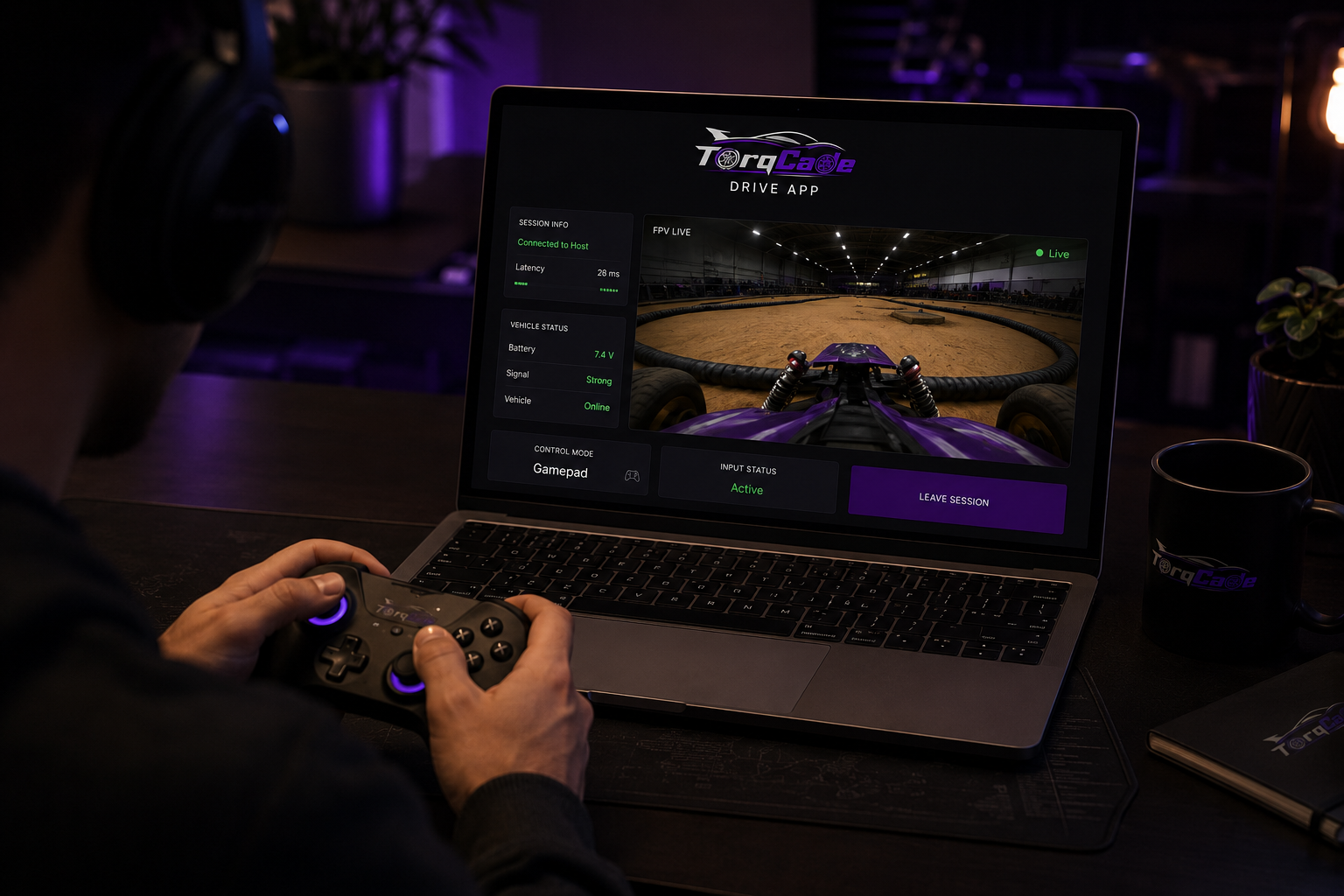
Drive App
Download TorqCade Apps
Install the Host App to share your RC car, or the Drive App to connect and drive remotely.
TorqCade Host App
Use the Host App to connect your TorqCade Dongle, manage cameras, start driving sessions and share access codes with remote drivers.
Requires TorqCade Dongle for real RC output.
TorqCade Drive App
Use the Drive App to enter an access code, watch live FPV video and control a real RC car from anywhere.
Internet connection and host access code required.
Build Your Own Test Dongle
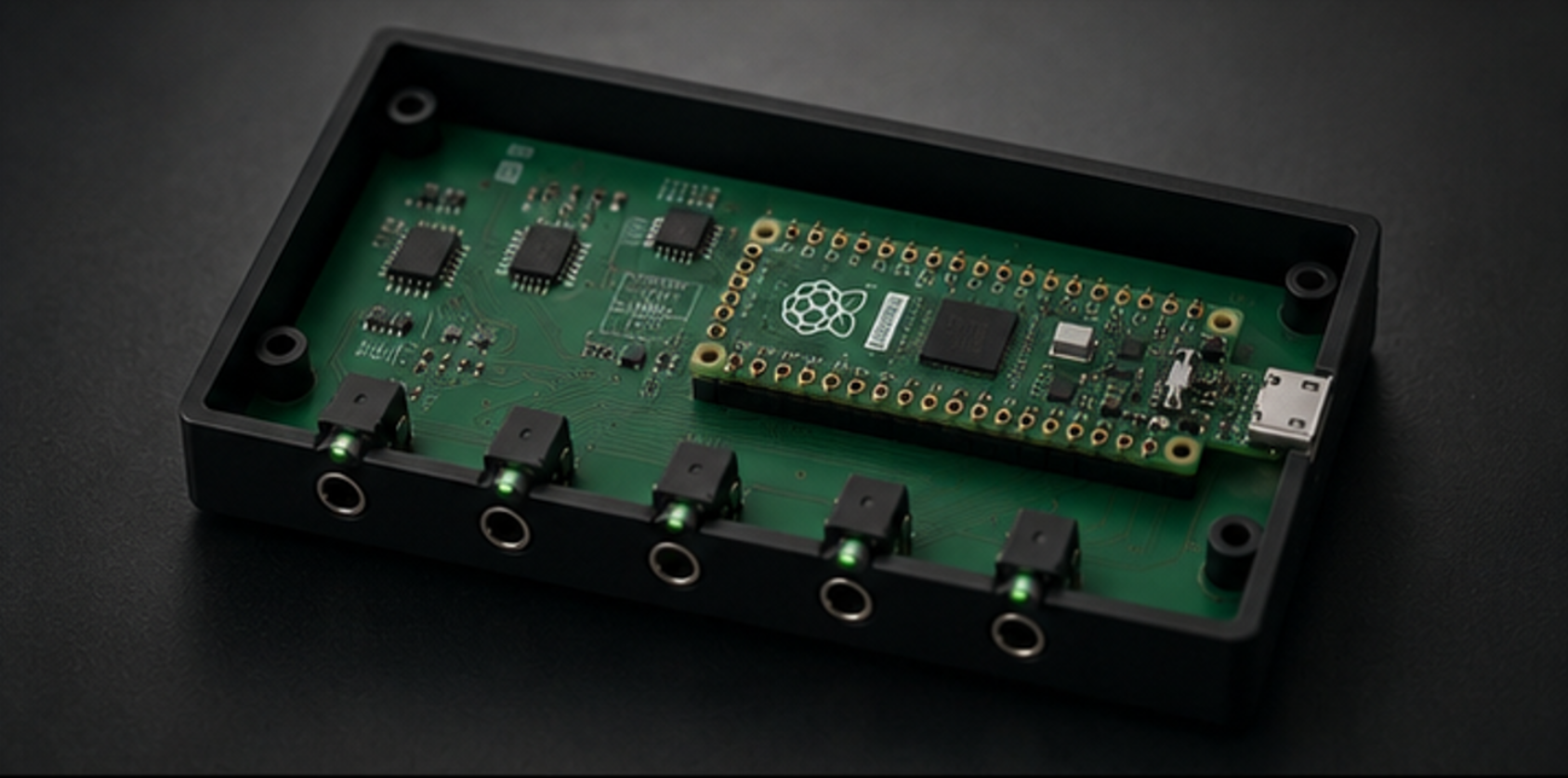
Want to test TorqCade before the official dongle is available? Build your own prototype using Raspberry Pi Pico 2 H and our downloadable setup files.

Download the DIY Test Files
Use these files to build a TorqCade-compatible test dongle for early experiments, software testing and development before the official hardware release.
This DIY build is intended for testing and development only. The official TorqCade Dongle will be available later as a ready-to-use product.
Basic soldering and electronics knowledge may be required.
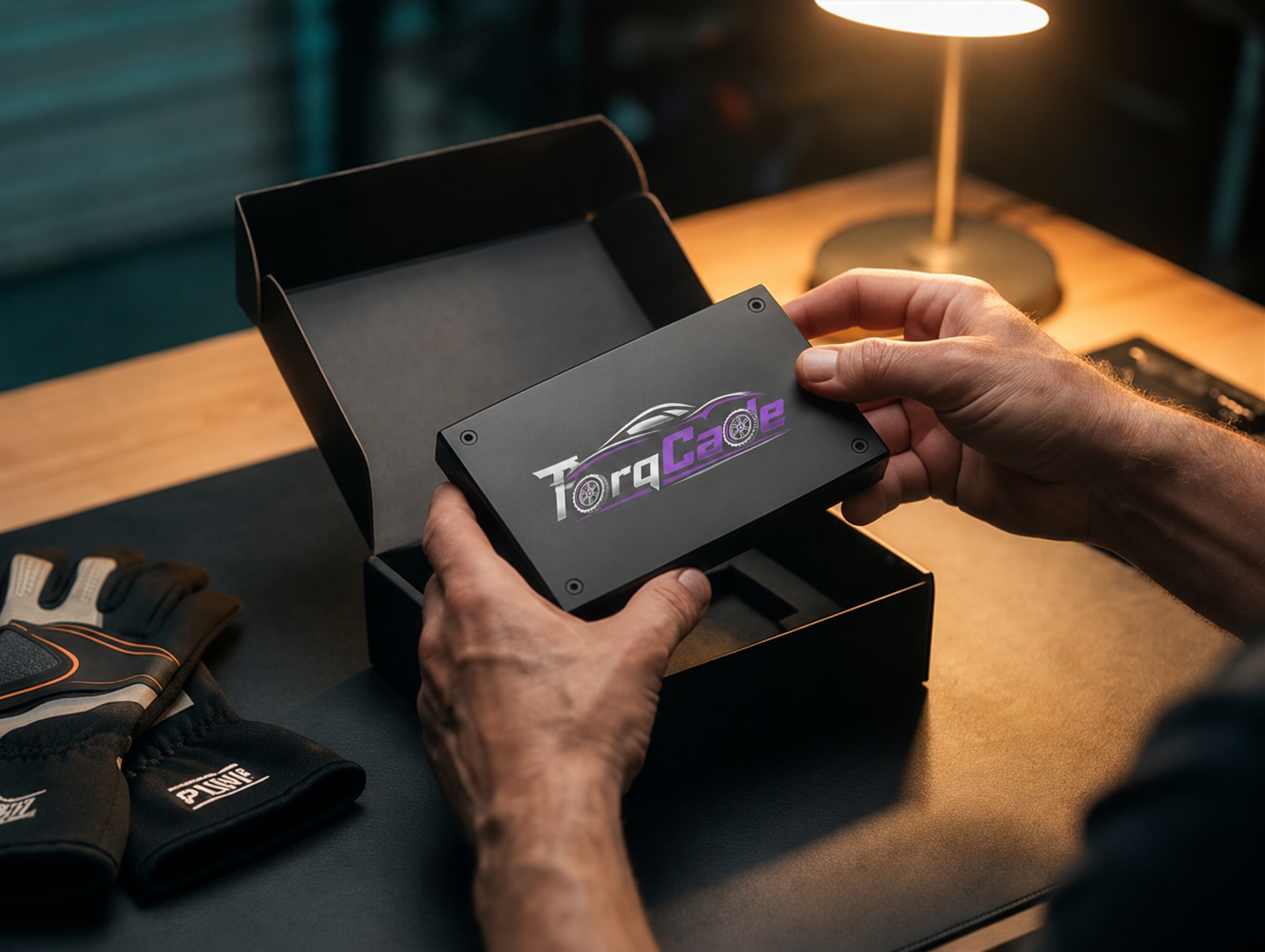
Product Views
Roadmap
FAQ